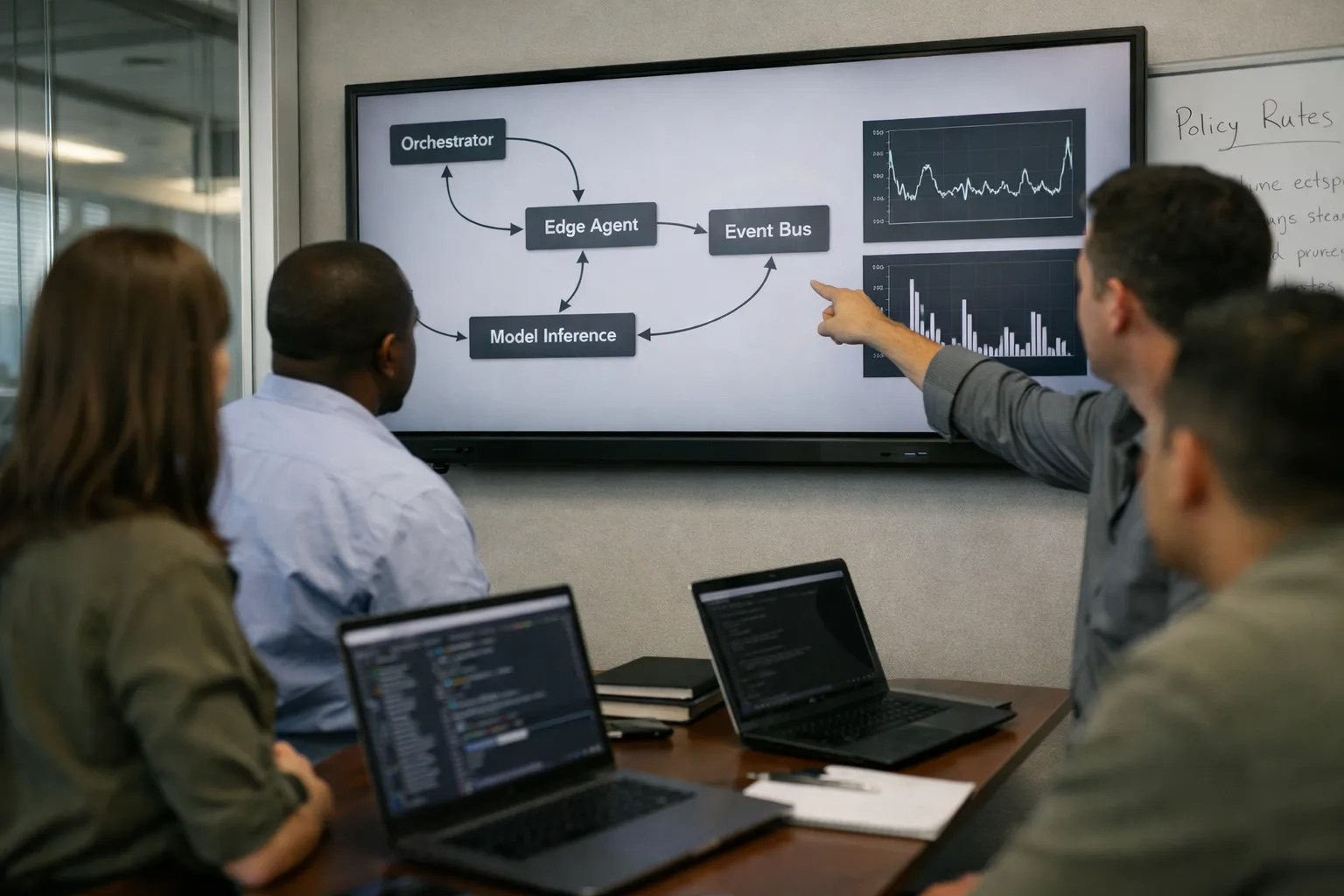
Large language models (LLMs) are changing how business users interact with analytics. Rather than navigating dashboards and writing SQL, non-technical teams can ask natural-language questions and receive succinct insights or generated SQL they can trust. This guide walks AI-for-business teams through a practical, phased process to launch LLM‑augmented analytics on Snowflake, with concrete architecture choices, validation patterns, guardrails, monitoring KPIs and cost-control tactics that work in enterprise environments.
Why an LLM‑augmented analytics approach
LLM‑augmented analytics layers a natural-language interface, explanation and lightweight synthesis over an existing analytics stack. Benefits for enterprises include faster insight discovery for business users, fewer analyst bottlenecks, and the ability to democratize exploratory analysis. The trade-offs are clear: you must manage hallucination risk, SQL safety, data governance, cost of inference and model drift. This guide shows how to balance those trade-offs using Snowflake as the canonical data store.
Overview: recommended architecture
The architecture below targets enterprises that keep core data in Snowflake and want to pair it with modern LLM APIs or private inference. It supports natural‑language query translation (text‑to‑SQL), grounding to truth (data checks), and a human-in-the-loop validation layer for sensitive queries.
- Frontend: BI tool or chat UI (e.g., Looker/Looker Studio, Power BI, custom web UI) that accepts natural language and displays structured results.
- Middleware: an application layer that handles intent parsing, prompt management, output schema validation, caching, and orchestration.
- LLM Inference: hosted LLM API(s) for text-to-SQL and explanation tasks (public or private). Use smaller fast models for intent routing and larger models for complex synthesis.
- Embeddings/Vector layer (optional): to map user examples and domain documentation to aid grounding for ambiguous questions.
- Execution: Snowflake for SQL execution. Use query dry-run and explain plans before executing untrusted SQL.
- Monitoring & Governance: centralized logging, output validation, and metrics dashboards feeding back into model retraining and guardrail adjustments.
Phase 0 — Discovery (1–2 weeks)
Start with clear questions and a bounded scope.
- Identify 3–5 high-value use cases. Example: "weekly product sales anomalies," "top reasons for churn this quarter," "inventory exceptions by region."
- Assemble stakeholders: product manager, Snowflake DBA, analytics lead, security/compliance, and a domain SME.
- Define success metrics: time-to-insight, precision of generated SQL, hallucination rate (see monitoring section), and user satisfaction.
- Inventory data sources and SLAs. Note PII fields, sensitive tables and any residency constraints.
Phase 1 — Prototype (2–4 weeks)
Build a minimally viable flow that converts natural language into validated SQL and returns results with explanations.
Step-by-step prototype tasks
- Pick a model and API for text-to-SQL: choose an LLM that can reliably generate SQL given schema context. For many teams, hosted APIs from major providers are the fastest route; for others, a smaller private LLM may be preferable for data residency.
- Provide schema context: send the relevant table and column list to the LLM (trimmed to avoid token overload). Include common join patterns and sample rows to reduce ambiguity.
- Implement SQL safety checks:
- Whitelist allowed tables and columns per role.
- Disallow destructive statements (DROP, DELETE, ALTER).
- Run EXPLAIN or dry-run queries and compare estimated row counts to thresholds before execution.
- Validate results: compare LLM-generated queries against a ground-truth set for the prototype use cases. Measure accuracy (does SQL return the expected answer?) and consistency.
- Return structured outputs: have the LLM produce JSON with fields like {sql, summary, confidence, citations}. Use schema validation to parse the response reliably.
Example prompt pattern (conceptual)
(Do not send to production as-is; adapt per model/API)
- Context: "Schema: orders(order_id, customer_id, product_id, qty, price, order_date), customers(customer_id, region, signup_date) ..."
- User question: "Show top 5 products by revenue last 4 weeks in the Northeast region."
- Instruction: "Return only valid SQL using the whitelisted tables and a JSON wrapper: {sql: \"...\", explanation: \"...\", checks: {...}}."
Phase 2 — Pilot with guardrails (4–8 weeks)
Expand the prototype into a pilot with real users, but keep controls tight.
- Role-based access controls: enforce least privilege for tables and columns. Use Snowflake roles + middleware authorization.
- Human-in-the-loop for sensitive queries: route queries touching PII, financials, or high-cost joins to an analyst queue for review before execution.
- Grounding & citation: where applicable, have the LLM cite table and column names and include a concise audit trail (query, user, timestamp, model version).
- Introduce caching & template SQL: for common questions, serve cached responses or pre-approved template queries to reduce inference and compute cost.
- User training and UI: surface the generated SQL and a short explanation. Allow users to "run as-is", "ask for clarification", or "request human review".
Production patterns and best practices
Text‑to‑SQL safety and validation
- Whitelist approach: maintain an allowlist of tables/columns per user group to prevent exposure of sensitive data.
- SQL linting and static analysis: check for long-running joins, missing WHERE clauses, or cartesian products.
- Sandbox execution & sampling: run queries first on a sampled dataset or materialized view for validation before running full production queries.
- Result fidelity checks: run a secondary "sanity query" to cross-reference totals or counts to catch anomalous outputs.
Grounding and reducing hallucination
For analytics, hallucination most commonly appears as wrong aggregations, invented segments, or incorrect column references. Reduce it by:
- Providing explicit schema + sample rows to the model.
- Using smaller deterministic models for SQL generation where possible, and larger models for narrative explanations only.
- Employing a verification step: after SQL execution, ask an assertion model to verify that the explanation matches the returned results.
Monitoring and KPIs
Track both model and business metrics:
- Functionality: query success rate, average latency, token usage.
- Quality: SQL correctness rate (sampled ground-truth comparisons), hallucination incidents per 1,000 queries, percentage of queries requiring human review.
- Business: time saved per analyst (self‑reported), adoption rate among target users, number of insights acted upon.
- Cost: inference cost per query, Snowflake compute cost per query, combined cost per answered question.
Cost-control techniques
LLM tokens and Snowflake compute are the two largest variable costs. Control them with:
- Prompt engineering: send only necessary schema and examples; prefer concise system prompts and structured templates.
- Model routing: use smaller, cheaper models for intent parsing and simple SQL; escalate to larger models only for complex multi-table synthesis.
- Caching & memoization: cache responses for repeat queries and use TTLs appropriate for data freshness.
- Precompute aggregates: expose summarized tables or materialized views for common questions to avoid costly ad-hoc aggregations.
- Budgeting: implement per-department budgets and soft limits for query volume; provide usage dashboards to teams.
Governance, privacy and compliance
Bring compliance teams in early. Key controls:
- Data lineage & auditing: log every generated query, the input prompt, model version, response, and execution result to a tamper-evident store.
- PII handling: redact or tokenise PII fields from prompts; restrict LLM access to raw PII.
- Model lifecycle documentation: maintain records of model versions, prompt templates, test suites and change logs.
Rollout checklist (practical)
Use this checklist as a go/no-go for production rollouts.
- Prototype: 3–5 core use cases implemented and validated.
- Pilot: 10–50 users, role-based access, human-in-loop on sensitive queries.
- Monitoring: dashboards for quality, cost and adoption are live.
- Governance: audit logging, PII controls and legal sign-off completed.
- Runbook: incident response for hallucination events, runaway cost, or data exposure established.
- Training: user documentation, examples library and analyst playbooks published.
Common pitfalls and how to avoid them
- Overgeneralizing scope: start with a narrow set of questions that produce measurable gains.
- Trusting LLM outputs blindly: always show generated SQL to power users and run automated checks.
- Ignoring cost signals: monitor token usage and Snowflake credits from day one.
- Poor schema context: insufficient schema detail leads to incorrect joins and misinterpreted fields—provide precise, trimmed contexts.
Example timeline for an 8–12 week program
- Weeks 1–2: Discovery, use-case selection, stakeholder alignment.
- Weeks 3–5: Prototype text-to-SQL flow with 2–3 use cases; internal validation.
- Weeks 6–8: Pilot with 10–50 users, implement guardrails and monitoring.
- Weeks 9–12: Iterate on feedback, expand use cases, finalize production hardening and governance.
Final notes: measuring success and iterating
LLM‑augmented analytics is not a one-time project; it's a product that improves with usage data and deliberate governance. Use monitoring to detect spikes in hallucination or cost, capture user corrections to expand training examples, and keep compliance artifacts up to date. By starting small, validating rigorously, and automating safety checks, teams can unlock substantial analyst productivity gains while controlling risk.
As of November 2026, best practice is to combine Snowflake's scalable warehousing with a careful mix of hosted inference, role-based controls, and an orchestration layer that enforces safety and observability. Follow the steps above to move from pilot to production with confidence.